

Family Calendar: the family's week, on every phone and on the TV
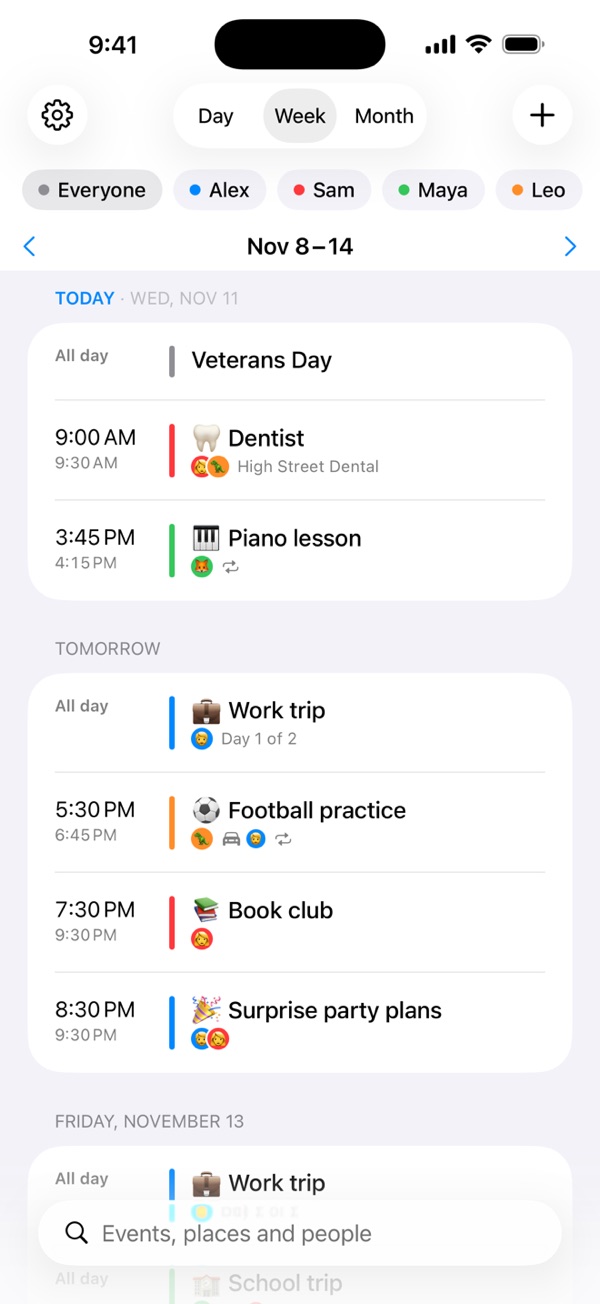
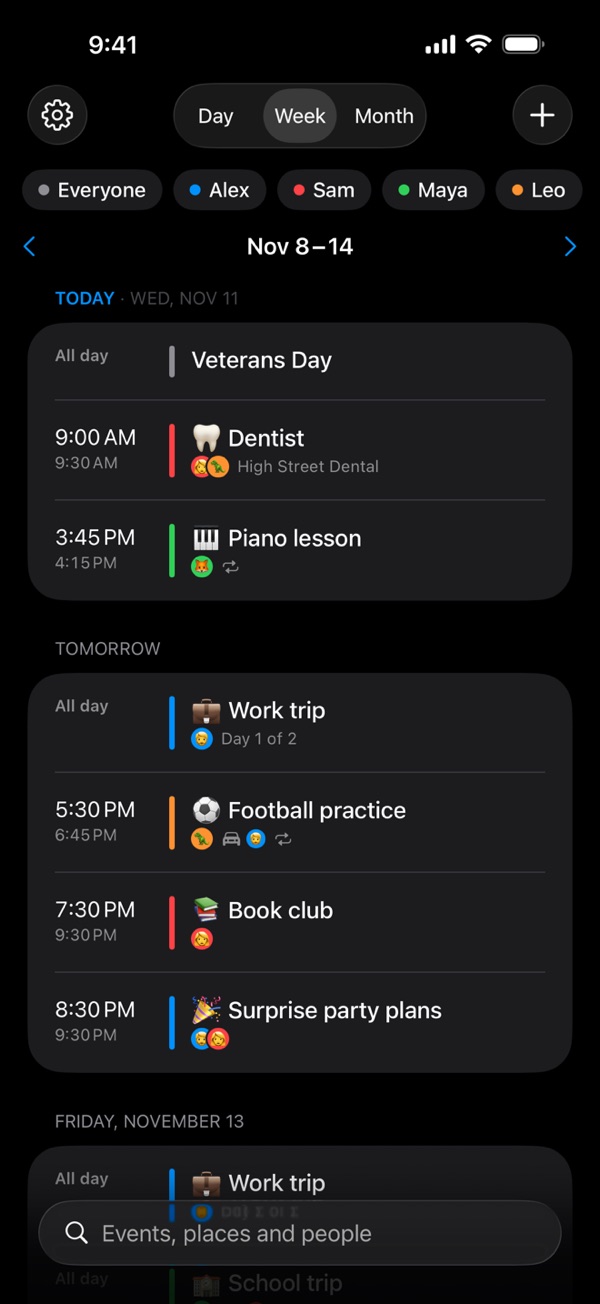
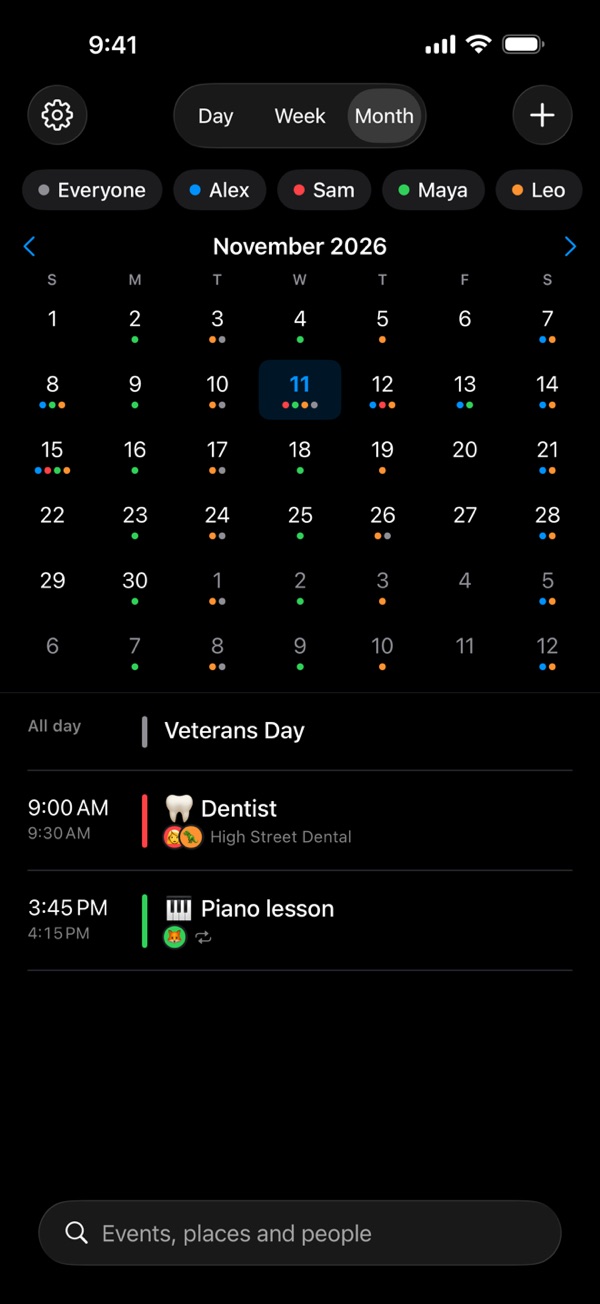
Hemma keeps a family's week in one place: school runs, clubs, appointments, birthdays, and who's driving. Everyone in the household sees the same calendar on their own iPhone or iPad, and it shows on the Apple TV, readable from the sofa, for everyone else — the children included.
There is no account to create. Hemma keeps the calendar in your family's own iCloud and shares it only with the people you invite.
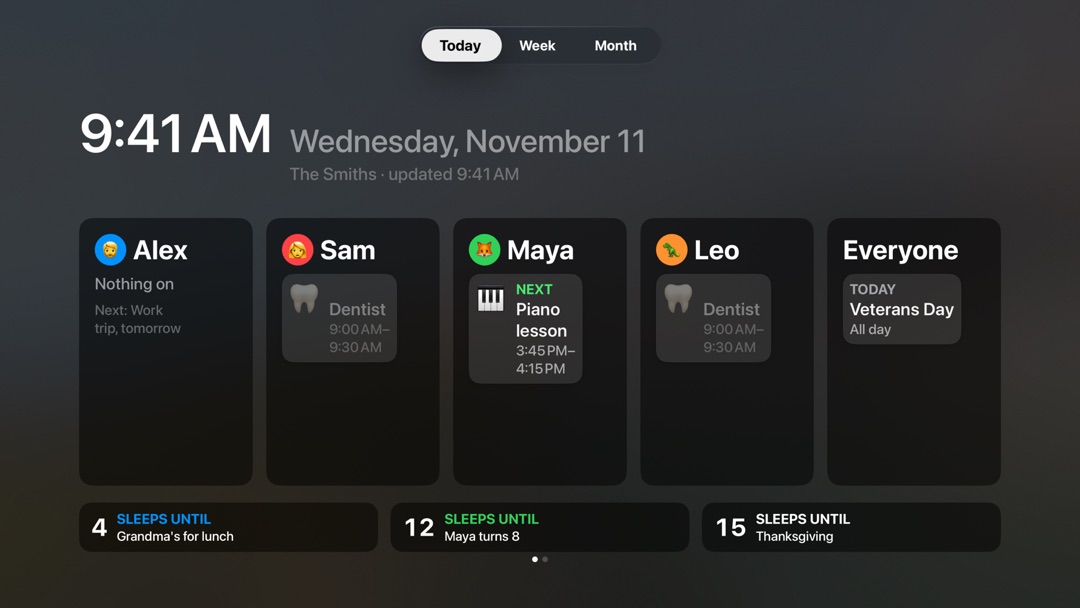
Each person's day, and the sleeps until what's next.
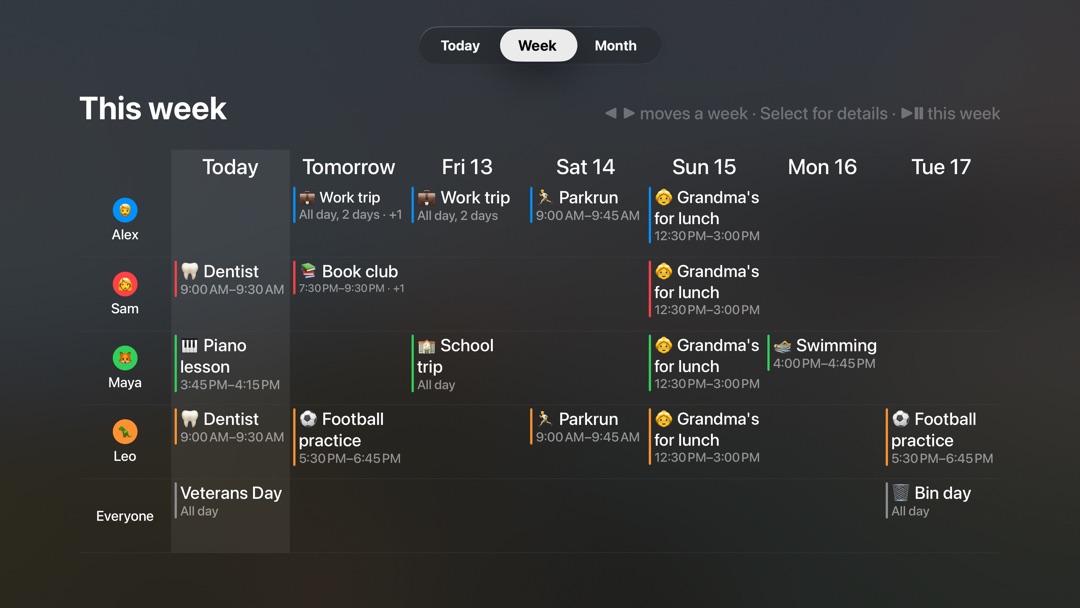
The whole week, moved through with the remote.
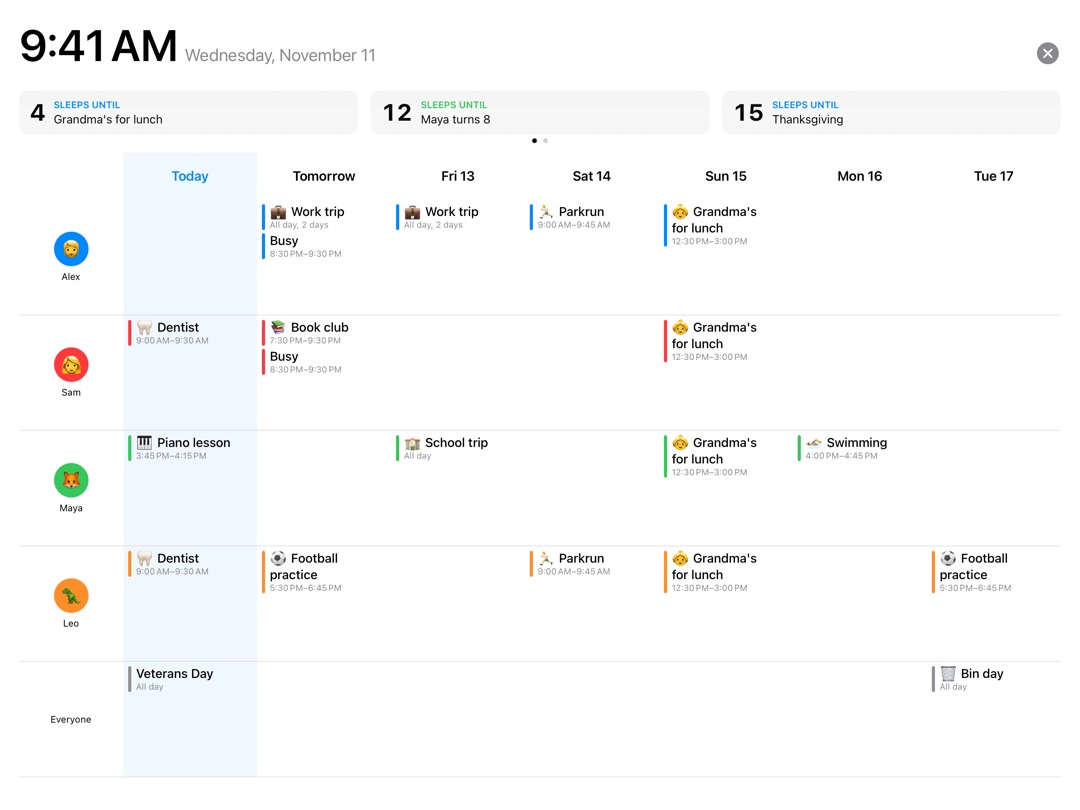
A kitchen iPad, showing the week.
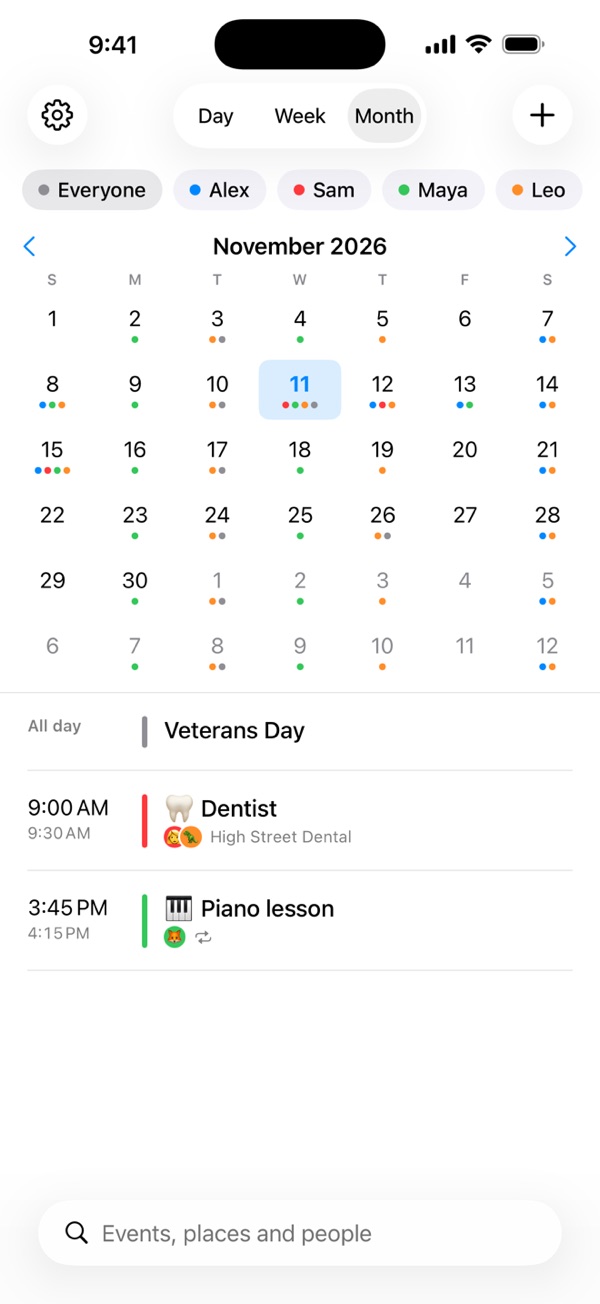
The month at a glance.
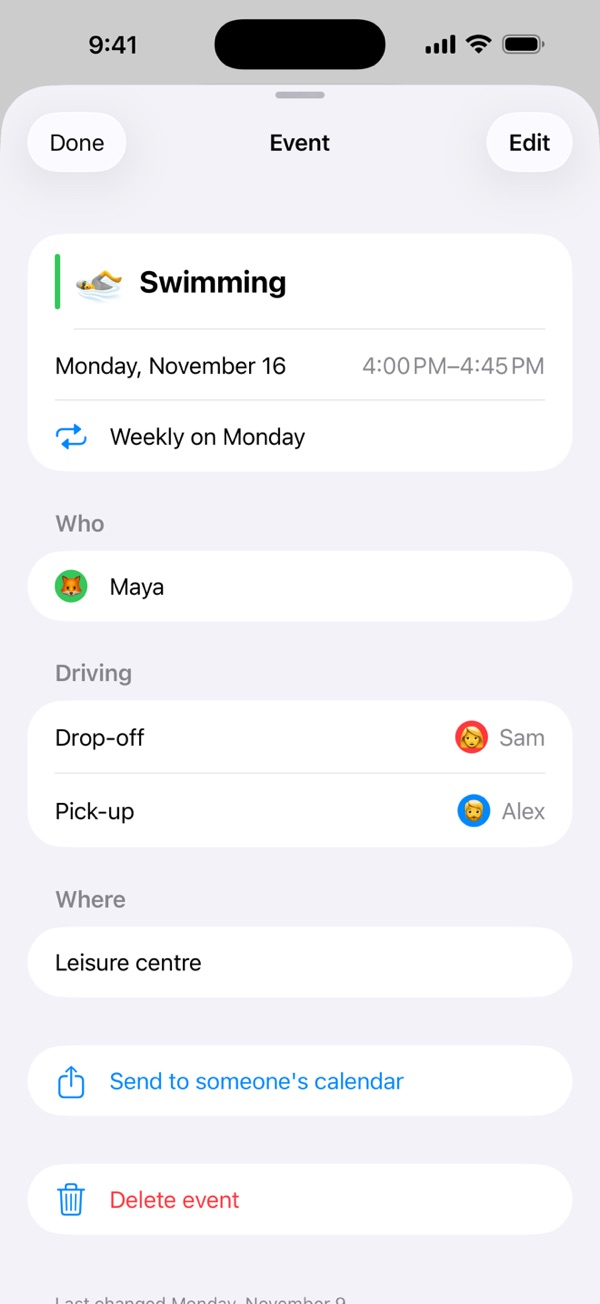
Who's going, and who's driving.
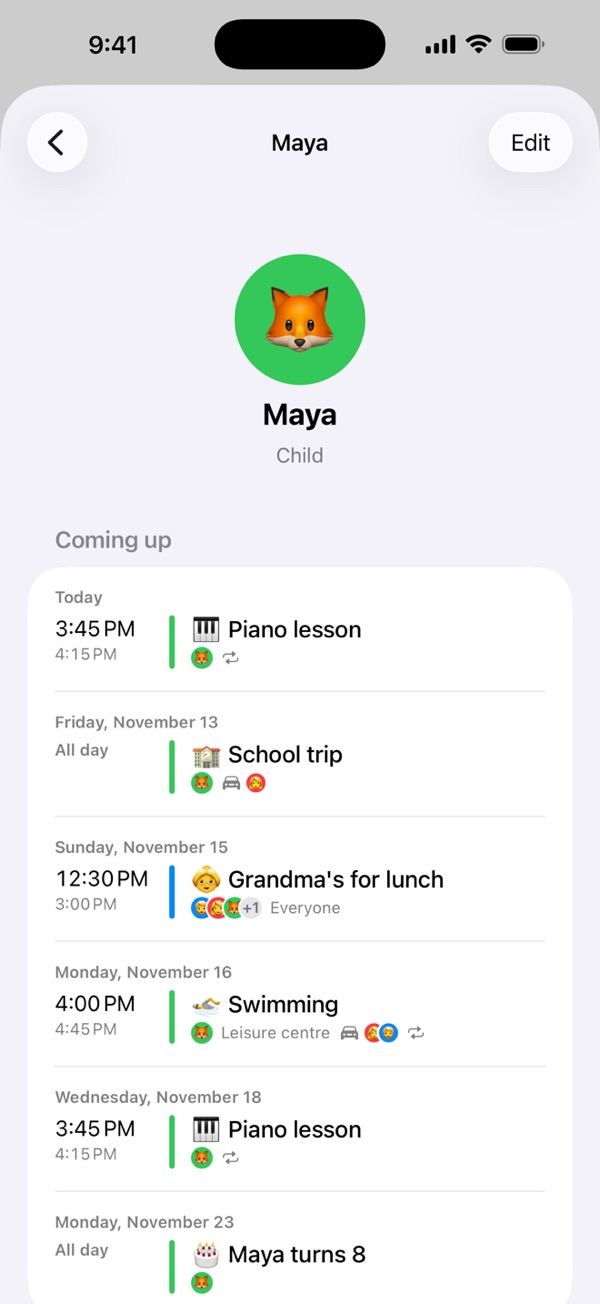
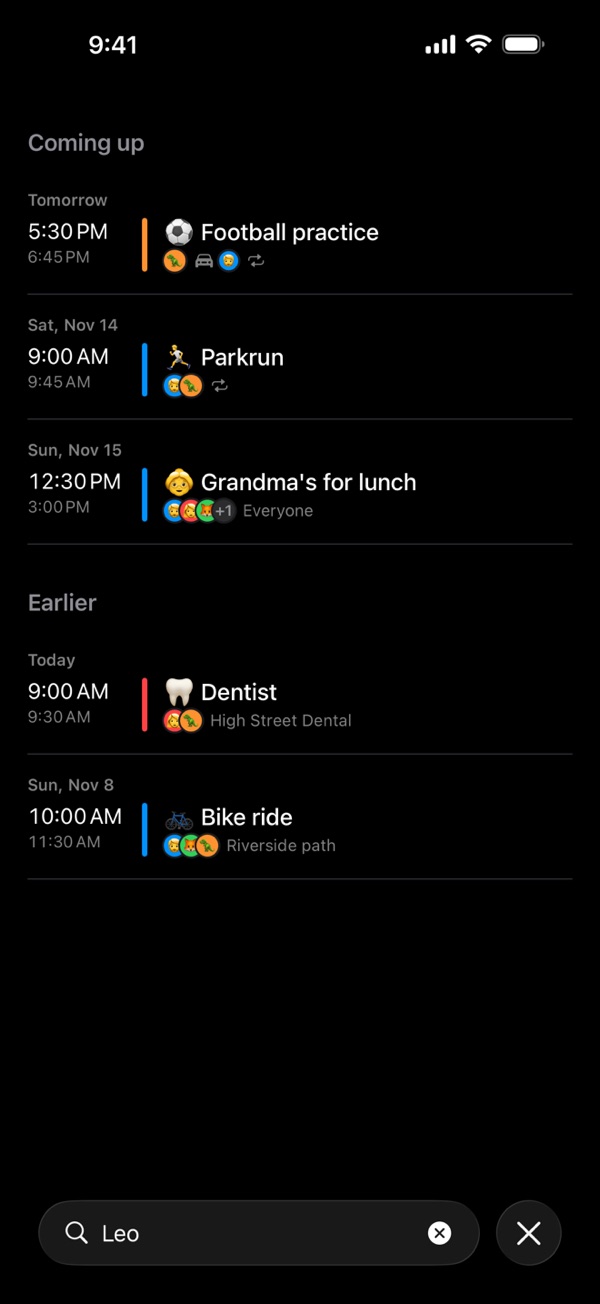
Everyone's own page.
The calendar, sharing it, reminders and following a team's group are free on iPhone and iPad. Hemma Plus adds the Apple TV, wall mode, widgets, Hemma in Apple Calendar, calendar links, and starting groups of your own.
£2.99 / month · £19.99 / year
With two weeks free. One person buys it and everyone in the household has it, including people outside your Apple family, in up to three households.
Payment is charged to your Apple Account. Subscriptions renew automatically unless cancelled at least 24 hours before the period ends; manage or cancel in your Apple Account settings. A free-trial period, if unused, is forfeited when you subscribe. Use of Hemma is governed by Apple's standard End User License Agreement. See also our Privacy Policy.
No. Hemma uses the iCloud account each of you already has. The person who sets the household up invites the others by Messages or Mail, and they open the invitation on their own iPhone or iPad.
No. Add them as people, and their events show on your phones, on the TV and on the wall. If a child has an iPhone or iPad of their own, invite them, and it reminds them about their own events.
No. One purchase covers everyone in the household — grandparents included, whether or not they're in your Apple family — in up to three households.
In your own iCloud, shared only with the people you invite. Nothing is sent to Amico: there are no accounts, no analytics, no ads and no tracking. See our Privacy Policy for the full detail.
iPhone and iPad (iOS and iPadOS 17 and later), Apple TV (tvOS 17 and later), and Macs with Apple silicon, which run the iPad app. One purchase of Hemma Plus covers the TV app too.
Subscriptions are managed by Apple. Open the Settings app, tap your name, then Subscriptions, and choose Hemma to change or cancel. Cancelling at least 24 hours before the renewal date stops the next charge.
Hemma's Knowledge Centre, in the app's Settings, explains every screen. You can also visit our Support page or email support@amico.software.